
Most failed software projects don’t fail because of bad code. They fail because people had different ideas about what was being built. A software requirements document fixes that by putting the goals, users, features and constraints in one place that everyone can read, question and agree on.
You don’t need a 100-page specification. For most business projects, a clear document of a few pages is far more useful. This guide explains what to include, how to write requirements that developers can actually build and test, and gives you a simple template.
Key takeaways
- A requirements document explains what the software must do and why, not how to code it.
- Include business goals, users, functional requirements, non-functional requirements, constraints and priorities.
- Write requirements that are specific and testable, with clear acceptance criteria.
- Keep it short, keep it updated and treat it as a shared reference, not a contract to argue over.
What Is a Software Requirements Document?
A software requirements document (sometimes called a software requirements specification, or SRS) describes what a system needs to do, who it is for and the conditions it must meet. The international standard ISO/IEC/IEEE 29148 sets out good practice for requirements engineering, and it is a useful reference if you need a formal approach.
It serves several audiences:
- Business stakeholders confirm it reflects what they need.
- Designers and developers use it to plan and build.
- Testers use it to check the result.
- Suppliers use it to estimate cost and time, which matters when you are deciding whether to build or buy software.
What to Include
1. Purpose and business goals
Explain why the project exists and how success will be measured. For example: “Reduce the time to process a customer order from 2 days to 4 hours” is far more useful than “Build an order system”.
2. Scope
State what is in scope and, just as importantly, what is out of scope. This prevents misunderstandings and “scope creep” later.
3. Users and stakeholders
List the types of users (for example customers, administrators and support staff), what they need to achieve and any important characteristics, such as accessibility needs or the devices they use.
4. Functional requirements
These describe what the system must do: features, behaviour and business rules. Many teams write them as user stories:
As a [type of user], I want [goal] so that [reason].
For example: “As a customer, I want to save my delivery address so that I can check out faster next time.” The GOV.UK Service Manual has practical advice on writing user stories.
5. Acceptance criteria
Each requirement needs clear conditions that show when it is done. A common format is Given, When, Then:
Given a customer has saved an address,
When they reach checkout,
Then the saved address is pre-filled and can be changed.
This format comes from behaviour-driven development, and the Gherkin reference explains it in more detail.
6. Non-functional requirements
These describe how well the system must work. They are often forgotten, and they are often where projects go wrong.
| Category | Example requirement |
|---|---|
| Performance | Search results appear within 2 seconds for 95% of requests. |
| Availability | The service is available 99.9% of the time, excluding planned maintenance. |
| Security | All users sign in with multi-factor authentication. |
| Privacy | Personal data is stored in the UK or EU and deleted after 24 months of inactivity. |
| Accessibility | The interface meets WCAG 2.2 Level AA. |
| Scalability | The system supports 10,000 active users without changes. |
| Compatibility | Works on the latest two versions of major browsers and on mobile. |
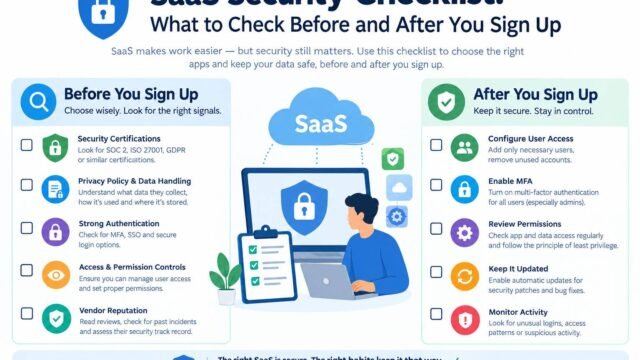
Our guides to website accessibility basics and the SaaS security checklist can help you set realistic accessibility and security requirements.
7. Integrations and data
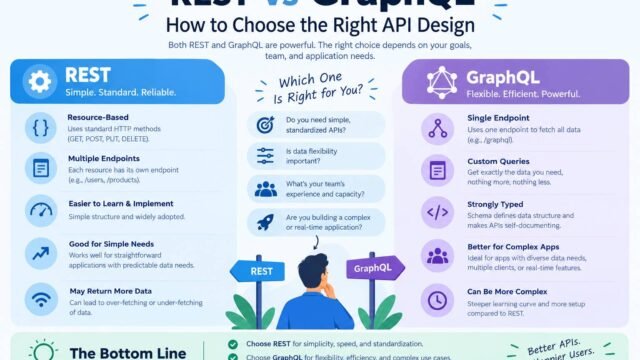
List the systems the software must connect to, such as payment providers, CRMs or accounting tools, and the main data it will store or exchange. Note who owns each integration. If you will be designing APIs, our guide to REST vs GraphQL explains the main options.
8. Constraints and assumptions
Record anything that limits the solution, such as budget, deadlines, required technologies, hosting rules or regulations. List assumptions too, so they can be checked.
9. Priorities
Not everything can be built first. The MoSCoW method, from the DSDM agile framework maintained by the Agile Business Consortium, is a simple way to prioritise:
- Must have: essential for launch.
- Should have: important but not critical.
- Could have: nice to have if time allows.
- Won’t have (this time): agreed as out of scope for now.
10. Open questions and sign-off
Keep a list of unresolved questions, and record who has reviewed and agreed the document and when.
How to Write Good Requirements
Good requirements are:
- Specific. “The page loads quickly” is vague. “The page’s Largest Contentful Paint is under 2.5 seconds on mobile” is specific. Our pillar guide to Core Web Vitals explains this metric.
- Testable. If you can’t test it, you can’t confirm it is done.
- Focused on the need, not the solution. Write “Users can export their data” rather than “Add a CSV button using library X”, unless the technology really is a requirement.
- Unambiguous. Avoid words like “user-friendly”, “flexible” or “fast” without a definition.
- Traceable. Give each requirement an ID, such as FR-12, so it can be linked to designs, tests and changes.
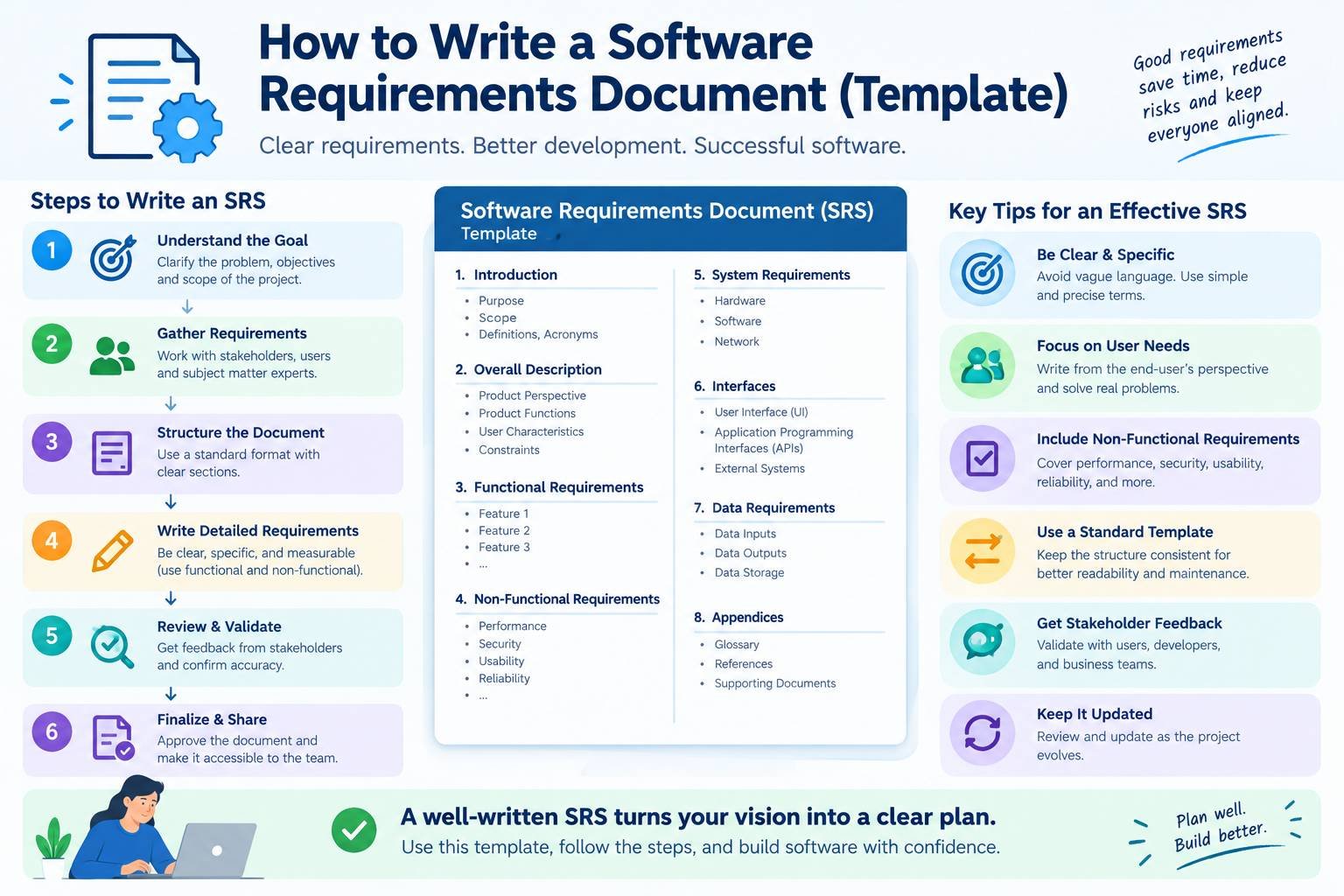
A Simple Template
You can copy this structure into a document:
- Document details: title, version, date, owner and reviewers.
- Purpose and goals: the problem, the desired outcomes and success measures.
- Scope: in scope and out of scope.
- Users: user types and their main goals.
- Functional requirements: user stories with IDs and acceptance criteria.
- Non-functional requirements: performance, security, privacy, accessibility, availability and scalability.
- Integrations and data: connected systems and key data.
- Constraints and assumptions.
- Priorities: MoSCoW rating for each requirement.
- Open questions.
- Glossary: terms everyone should understand the same way.
- Sign-off and change log.
Common Mistakes to Avoid
- Writing it alone. Involve users, developers and testers early.
- Skipping non-functional requirements, then discovering performance or security problems late.
- Too much detail too early, which locks in decisions before you understand the problem.
- Never updating it. Requirements change. Keep a version history and record decisions.
- Mixing requirements with design. Describe the need first, then explore solutions, including architecture choices covered in our pillar guide to monolith vs microservices.
For AI projects, add requirements for data sources, accuracy, human review and risk. Our guide to running an AI pilot project explains how to define success criteria for AI.
Kaushal’s note
In my opinion, a software requirements document is one of the most important steps in any software project, but it is often overlooked. I’ve seen how unclear expectations can lead to wasted time, extra costs, and frustration for everyone involved. My advice is to keep the document simple, involve the right people from the beginning, and make sure every requirement has a clear purpose. You don’t need pages of technical details; you need a shared understanding of what you’re building and what success looks like. A little clarity at the start can save a lot of trouble later.
Conclusion
A good software requirements document turns ideas into a shared, testable plan. Explain the goals, define the users, write specific functional and non-functional requirements with acceptance criteria, set priorities and keep it updated. It takes a little time at the start, and it saves a great deal of time, money and frustration later.