
Choosing a content management system (CMS) is one of the most important decisions in any website project. It affects how quickly you can launch, how easily your team can publish, how fast and secure the site is, and how much it costs to run.
Two approaches dominate today’s conversations: traditional WordPress, the platform that powers a huge share of the web, and headless CMS platforms, which separate content management from the website’s design and code. This guide explains how they differ and helps you decide which fits your business.
Key Takeaways
- Traditional WordPress is fast to launch, affordable, and easy for non-technical teams.
- A headless CMS offers more flexibility, performance control, and multi-channel publishing, but requires developers.
- WordPress can also be used as a headless CMS, offering a middle path.
- Choose based on your team’s skills, budget, and publishing needs rather than trends.
What Is a Traditional CMS?
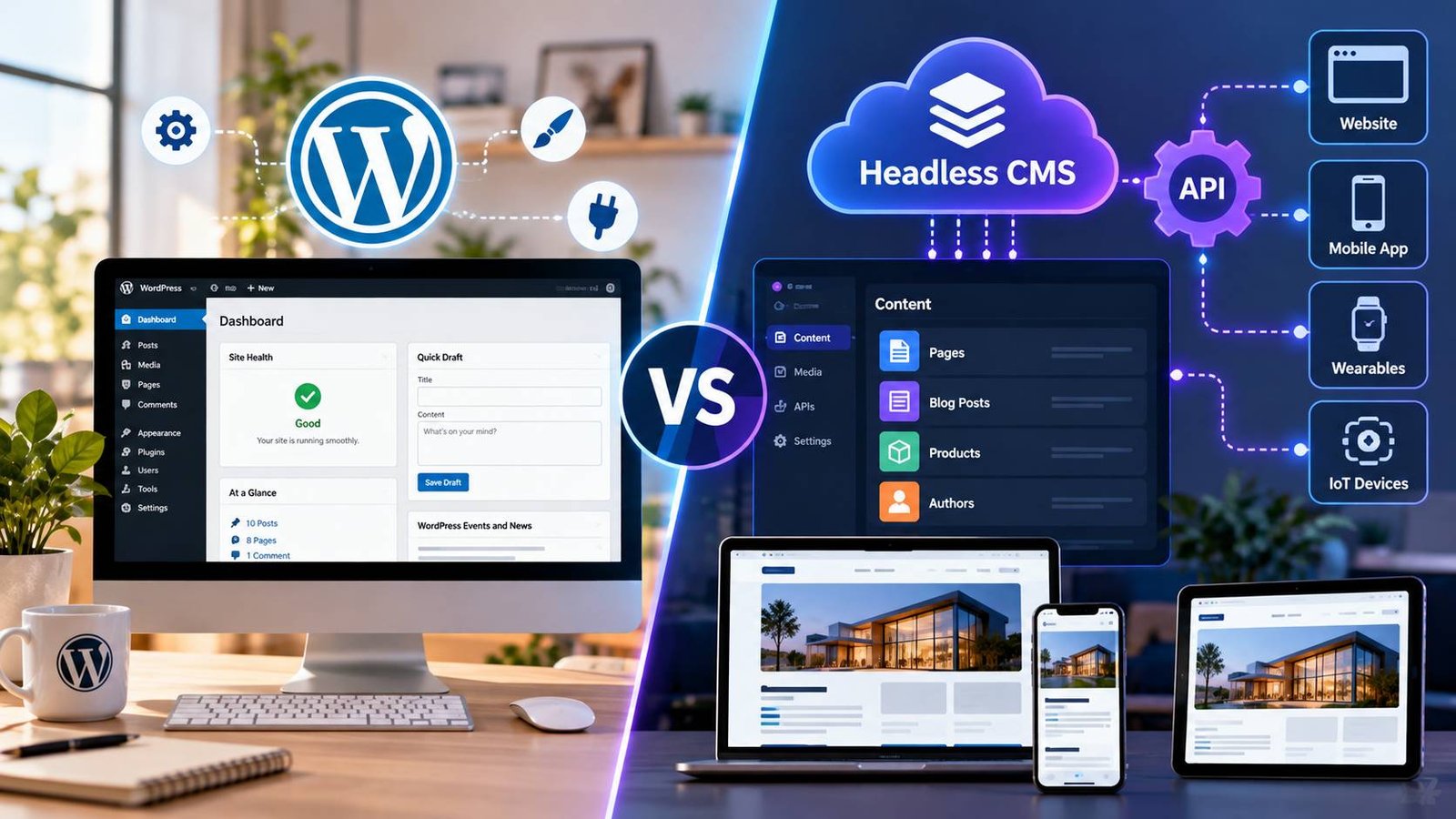
A traditional CMS (or “coupled” CMS) manages both content and how it is displayed. In WordPress, you write a post in the editor, and the active theme turns it into a web page. Everything runs in one system.
WordPress is by far the most widely used CMS. According to W3Techs, it is used by around 40% of all websites and holds close to 59% of the market among sites with a known CMS (data as of October 2026).
What Is a Headless CMS?
A headless CMS only manages content. It stores your text, images, and data and makes them available through an API. The “head,” meaning the website or app that displays the content, is built separately by developers, often with a modern JavaScript framework.
Because content is delivered through an API, the same content can appear on a website, a mobile app, a smart display, or any other channel.
Well-known headless platforms include Contentful, Sanity, Strapi, and Storyblok. Some are hosted services, while others, such as Strapi, can be self-hosted.
WordPress Can Be Headless Too
WordPress includes a built-in REST API, and plugins such as WPGraphQL add a GraphQL API. This lets you keep the familiar WordPress editor for your team while building the front end with a modern framework. It is a popular middle path for businesses that already know WordPress.
Side-by-Side Comparison
| Factor | Traditional WordPress | Headless CMS |
|---|---|---|
| Time to Launch | Fast, with thousands of themes and plugins. | Slower because the front end must be built. |
| Upfront Cost | Low. | Higher due to development work. |
| Ease of Editing | Very easy, with visual editing and previews. | Varies; previews require extra setup. |
| Performance | Good when well optimised, but heavy themes and plugins can slow it down. | Excellent potential, especially with static generation. |
| Security | Larger attack surface; requires regular updates. | Smaller public attack surface because the CMS is separate from the site. |
| Flexibility | High within WordPress conventions. | Very high, with support for different front-end technologies. |
| Multi-Channel Publishing | Limited. | Built for multi-channel publishing. |
| SEO | Strong, with mature SEO plugins. | Strong, but developers must build SEO features. |
| Developer Dependency | Low for day-to-day changes. | High for layout and feature changes. |
| Ongoing Maintenance | Core, theme, and plugin updates. | Front-end code, hosting, and CMS subscription. |
When Traditional WordPress Is the Right Choice
WordPress is usually the best choice when:
- You need to launch quickly with a limited budget.
- Non-technical people will manage content and simple page changes.
- Your site is mainly content, such as a blog, company website, or small online shop.
- You publish to one channel: your website.
- You want a large ecosystem of themes, plugins, and developers to choose from.
The main things to manage are performance and security. Choose a lightweight theme, limit plugins, and keep everything updated. Our guide to Core Web Vitals shows how to keep a WordPress site fast, and our website security checklist covers how to protect it.
When a Headless CMS Is the Right Choice
A headless CMS is usually the better option when:
- You publish to several channels, such as websites, mobile apps, and in-store screens.
- Performance is critical and you want complete control over front-end code.
- You have an in-house or agency development team to build and maintain the front end.
- You need a highly customised experience that would be difficult to achieve within a WordPress theme.
- You want to reduce the public attack surface because visitors never interact with the CMS directly.
The Hidden Costs of Each Approach
WordPress hidden costs: Premium themes and plugins often have annual licence fees. You may also spend time on updates, fixing plugin conflicts, and improving performance as the site grows.
Headless CMS hidden costs: These include front-end development and ongoing maintenance, CMS subscription fees that may increase with users or API usage, front-end hosting, and extra work to provide editors with useful previews.
For a wider framework on weighing these costs, see our guide to build vs buy software.
SEO Considerations
Both approaches can rank well. The difference is where the work happens.
- With WordPress, SEO plugins handle titles, meta descriptions, sitemaps, canonical tags, and structured data with little technical effort.
- With a headless CMS, developers must build these features into the front end. Done well, the result can be excellent, but it is easy to miss important details such as canonical tags, redirects, or XML sitemaps.
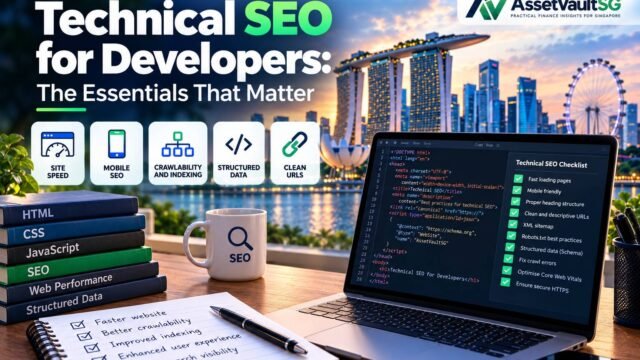
Our guide to technical SEO for developers lists the essentials any headless build should include.
Performance Considerations
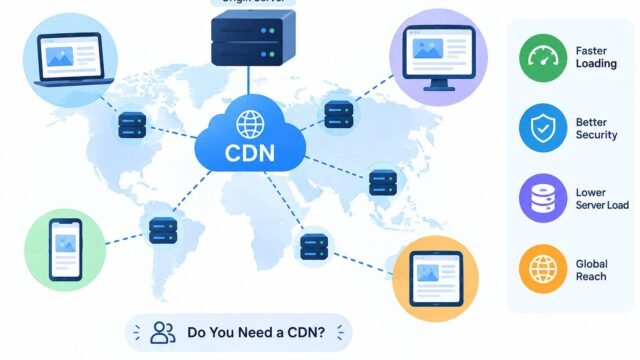
Headless sites built with static generation or server-side rendering can be extremely fast because pages are pre-built and served from a CDN. However, headless is not automatically fast. A front end that sends large amounts of JavaScript to the browser can perform worse than a well-optimised WordPress site.
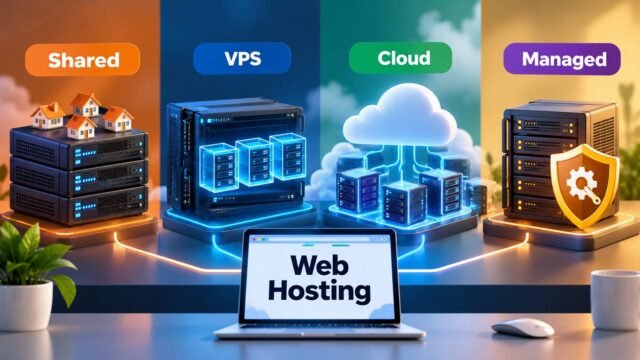
The framework you choose matters. Our comparison of Next.js vs Astro vs Nuxt explains how each handles performance. Hosting matters too, as explained in our guide to choosing web hosting.
Editing Experience
The editing experience is often overlooked. Marketing and content teams need to:
- Preview content before it goes live.
- Build or adjust page layouts without asking developers.
- Schedule posts and manage revisions.
WordPress handles these tasks well out of the box. Many headless platforms now offer visual editing and live previews, but they usually require developer setup. Involve your content team in the decision because they will use the system every day.
A Simple Decision Framework
Ask these five questions:
- How many channels do we publish to? One website points to WordPress. Several channels point to headless.
- Do we have ongoing developer support? If not, traditional WordPress is the safer choice.
- What is our budget for the first year? Headless typically costs more upfront.
- How important are maximum performance and custom design? If they are critical, consider headless or a highly optimised WordPress build.
- Who will edit content day to day? If non-technical staff will manage content, prioritise an easy editing experience.
If the answers are mixed, consider headless WordPress: your team keeps the WordPress editor while developers build a fast, modern front end.
Migration Tips
If you are moving from one approach to the other:
- Audit your content first and remove anything you no longer need.
- Keep the same URLs where possible, and set up 301 redirects for any URLs that change.
- Preserve SEO metadata, including titles, descriptions, and structured data.
- Test thoroughly before switching, including forms, search, analytics, and consent tools.
- Monitor Google Search Console closely for several weeks after launch.
Our Quick Recommendation
For most small and medium-sized businesses publishing a blog or company website, a well-optimised traditional WordPress site is the most practical starting point. Revisit the decision when you add new channels, hire developers, or find that performance and design limitations are holding you back.
Kaushal’s Note
In my opinion, choosing between WordPress and a headless CMS depends on the project’s actual needs, budget, and long-term goals. I believe traditional WordPress is the best starting point for most business websites and blogs because it is affordable, easy to manage, and SEO-friendly. A headless CMS makes more sense when a business needs greater flexibility, custom performance optimisation, or content delivery across multiple platforms. I would not recommend headless just because it is a modern approach; the added cost and complexity should solve a real problem. My advice is to choose the technology that makes website management easier today while supporting future growth.
Conclusion
There is no universal winner. Traditional WordPress is the practical choice for most small and medium-sized businesses that need a fast, affordable website managed by non-technical teams. A headless CMS makes sense when you publish to multiple channels, need maximum performance and flexibility, and have developers to support it. Headless WordPress offers a useful middle path. Choose the option that fits your team, budget, and plans for the next few years.