
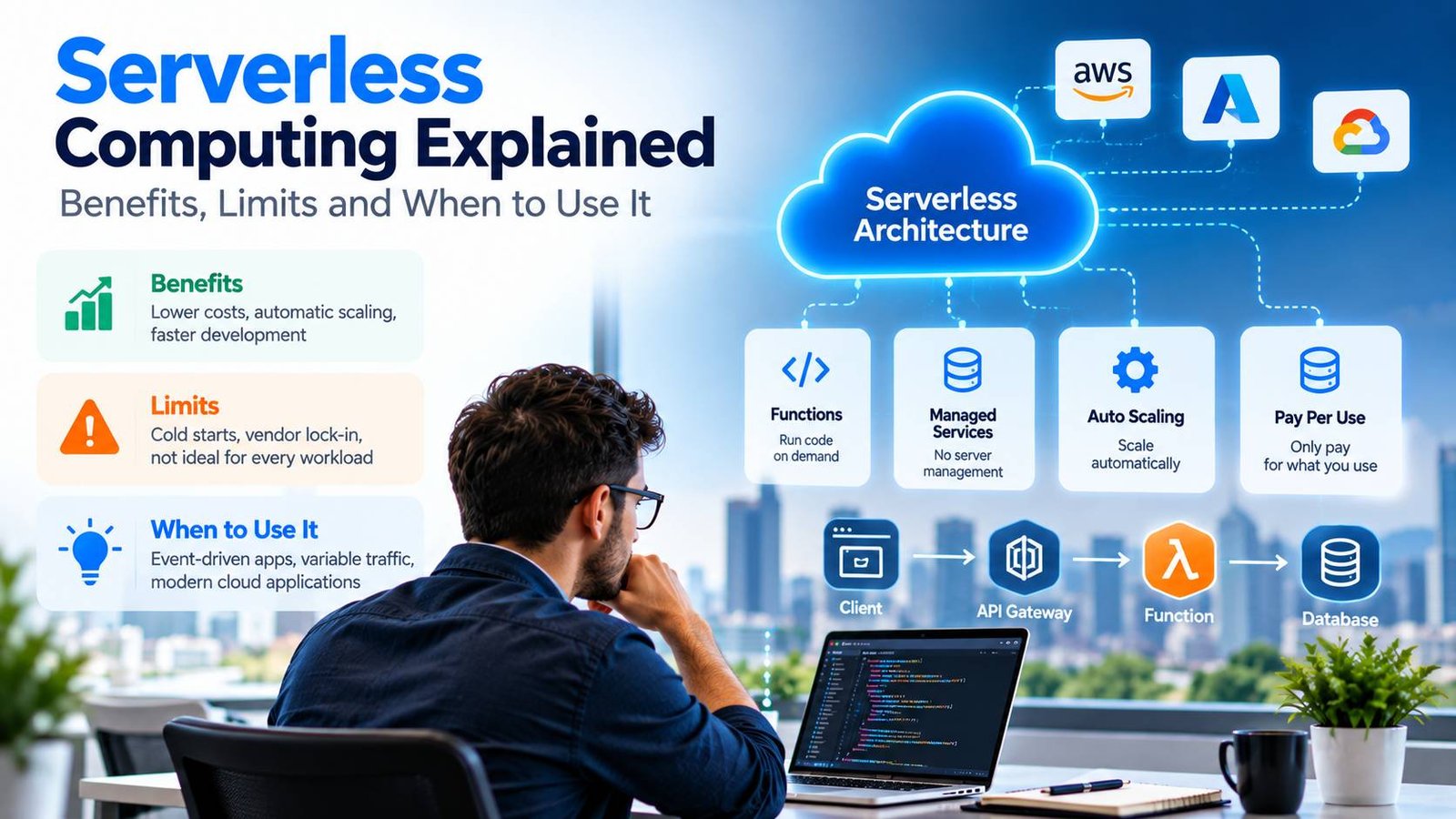
“Serverless” is a slightly misleading name. There are still servers, but you don’t manage them. You write code, upload it and the cloud provider runs it when needed, scales it automatically and charges you only for what you use.
For the right workloads, serverless computing can cut costs, remove operational work and let small teams build things that once needed a dedicated infrastructure team. For the wrong ones, it can be slower, more expensive and harder to debug. This guide explains how serverless works, its benefits and limits and how to decide if it fits your project.
Key takeaways
- Serverless means the provider manages servers, scaling and availability, and you pay per use.
- It suits event-driven tasks, APIs with uneven traffic and background jobs.
- Limits include cold starts, execution time limits, harder debugging and vendor lock-in.
- For steady, high-volume workloads, containers or servers may be cheaper.
What Is Serverless Computing?
Serverless computing covers two main ideas:
- Functions as a service (FaaS). You write small functions that run in response to events, such as an HTTP request, a file upload or a scheduled timer. Examples include AWS Lambda, Azure Functions, Google Cloud Run functions and Cloudflare Workers.
- Serverless managed services. Databases, queues, storage and authentication services that scale automatically and charge by use, so you don’t run your own servers for them.
The common thread is that you don’t provision, patch or scale servers yourself.
How Serverless Functions Work
- An event occurs, such as a user calling an API, a file arriving in storage or a scheduled time being reached.
- The platform starts an execution environment for your function, or reuses one that is already warm.
- Your code runs, processes the event and returns a result.
- The platform scales automatically, running many copies in parallel if many events arrive at once.
- You are billed for the number of requests and the time and memory your code used.
How Serverless Pricing Works
Serverless pricing is usage-based. Taking AWS Lambda as an example, its pricing page shows charges based on the number of requests and compute time measured in GB-seconds (memory allocated multiplied by run time). The free tier includes one million requests and 400,000 GB-seconds per month. Other providers use similar models.
This makes serverless very cheap for workloads that run occasionally or have uneven traffic, because you pay nothing when nothing is running. Prices change, so always check the provider’s current pricing page.
The Benefits of Serverless
- No server management. The provider handles operating systems, patching and capacity.
- Automatic scaling. Functions scale from zero to many parallel copies with demand.
- Pay per use. No charge for idle time, which suits uneven workloads.
- Faster delivery. Teams focus on business logic rather than infrastructure.
- Built-in availability. Functions typically run across multiple availability zones by default.
- Easy integration. Functions connect naturally to other cloud services and events.
The Limits and Trade-Offs
Cold starts
When a function hasn’t run recently, the platform must start a new environment, which adds delay, known as a cold start. It is often a fraction of a second, but it can be longer for large functions or some languages. Options such as keeping a minimum number of environments warm reduce it, usually at extra cost.
Execution limits
Functions have limits on run time, memory and package size. For example, AWS documents a maximum function timeout of 15 minutes and up to 10,240 MB of memory in its Lambda quotas. Long-running or very heavy jobs may need a different service.
Cost at high, steady volume
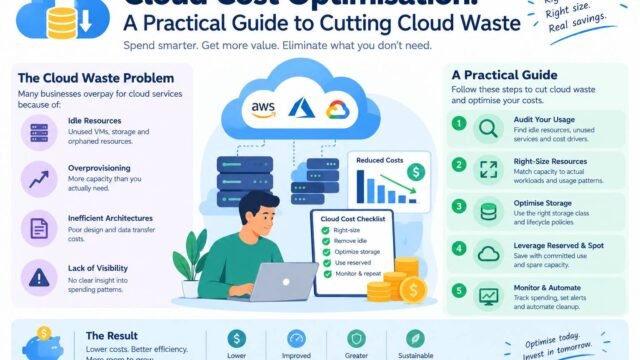
Pay-per-use is excellent for spiky workloads, but for constant, high-volume traffic, containers or reserved servers can be cheaper. Our guide to cloud cost optimisation explains how to compare options.
Debugging and monitoring
A system made of many functions and managed services is distributed, so tracing a problem across them needs good logging, metrics and tracing tools.
Vendor lock-in
Functions often rely on provider-specific triggers, services and configuration. Moving to another provider can take significant work. Frameworks and keeping business logic separate from provider-specific code help reduce this.
State and connections
Functions are designed to be stateless. Storing state requires external services, and connecting many short-lived functions to a traditional database can exhaust connections unless you use connection pooling or serverless-friendly databases.
Serverless vs Containers vs Servers
| Factor | Serverless functions | Containers | Virtual servers |
|---|---|---|---|
| Management | Lowest | Moderate | Highest |
| Scaling | Automatic, including to zero | Automatic with configuration | Manual or configured |
| Billing | Per request and run time | Per running container or resources | Per running server |
| Best for | Events, uneven traffic, background tasks | Long-running services, steady traffic, portability | Full control, legacy or specialised software |
| Cold starts | Possible | Rare | None |
| Portability | Lower | High | High |
Many providers now offer serverless containers, which run container images with serverless-style scaling and billing. They are a useful middle ground when you want container portability without managing clusters.
Common Serverless Use Cases
- APIs and back ends for web and mobile apps with variable traffic.
- File and image processing, such as resizing images after upload.
- Scheduled tasks, such as nightly reports or clean-up jobs.
- Event processing, such as reacting to payments, sign-ups or messages in a queue.
- Webhooks from third-party services.
- Lightweight AI tasks, such as calling an AI API to summarise a document. Heavy model inference usually needs GPU-based services. Our guide to the cost of running AI in production explains the options.
Serverless also pairs well with modern web frameworks and static hosting. Our comparison of Next.js vs Astro vs Nuxt shows how frameworks deploy server-side code as functions, and our guide to choosing web hosting puts serverless in context with other options.
Serverless and Architecture
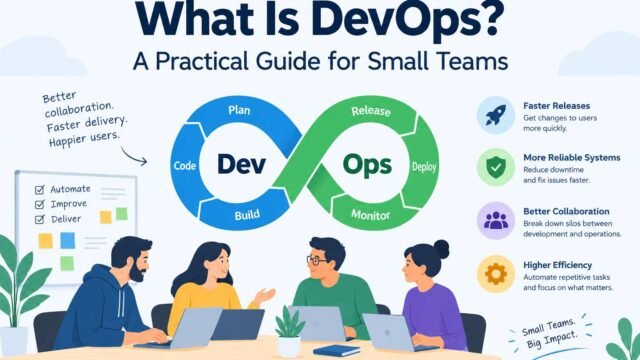
Serverless functions are a form of distributed system, so they share many of the trade-offs of microservices. A system built from dozens of functions needs clear boundaries, good monitoring and automated deployment. Our pillar guide to monolith vs microservices explains these trade-offs, and our guide to DevOps for small teams covers the automation you will need.
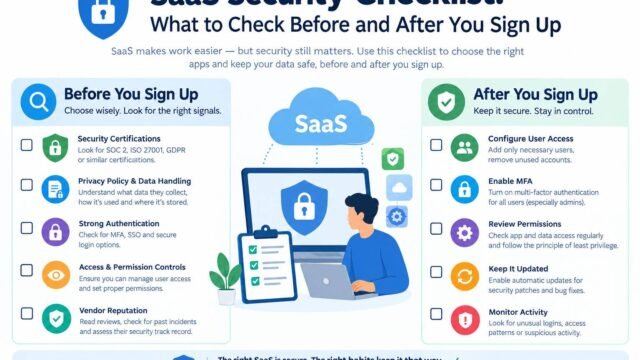
Security Considerations
The provider secures the infrastructure, but you remain responsible for your code, configuration and permissions:
- Give each function only the permissions it needs.
- Store secrets in a secrets manager, not in code or plain environment variables.
- Validate all input from events and APIs.
- Keep dependencies updated and scanned.
- Log and monitor function activity.
When to Choose Serverless
Serverless is a strong choice when:
- Traffic is uneven, unpredictable or low most of the time.
- Tasks are short, event-driven and stateless.
- Your team is small and wants to avoid managing infrastructure.
- You want to launch quickly and pay only for real use.
Consider containers or servers when:
- Traffic is high and steady.
- Tasks run for a long time or need special hardware.
- Very low, consistent latency is essential.
- Portability across providers is a priority.
Kaushal’s note
In my experience, serverless computing can be a real advantage for teams that want to build and launch applications without spending too much time managing infrastructure. I like the idea of focusing more on solving business problems and less on maintaining servers, especially when workloads are unpredictable. However, serverless isn’t a magic solution for every project. Cold starts, debugging, vendor lock-in, and unexpected costs can become real challenges as an application grows. My advice is to start by understanding your workload and estimating the long-term cost before making a decision. For event-driven applications and tasks that run occasionally, serverless can be an excellent choice. But for applications that need consistent performance or run continuously, containers or traditional servers may make more sense. The best technology is the one that fits your actual needs, not simply the latest trend.
Conclusion
Serverless computing removes much of the work of running infrastructure and charges only for what you use. It is ideal for event-driven tasks, uneven traffic and small teams that want to move quickly. Understand its limits, such as cold starts, execution limits and lock-in, and compare costs for steady workloads. Used in the right places, often alongside containers or a simple core application, serverless can make your software faster to build and cheaper to run.