
APIs connect almost everything in modern software: mobile apps to back ends, websites to content systems, services to each other and businesses to partners. When you design a new API, two styles dominate the conversation: REST and GraphQL.
Both are mature, widely supported and capable of powering large systems. They simply make different trade-offs. This guide explains how each works, compares them on the factors that matter in practice and helps you choose the right one for your project.
Key Takeaways
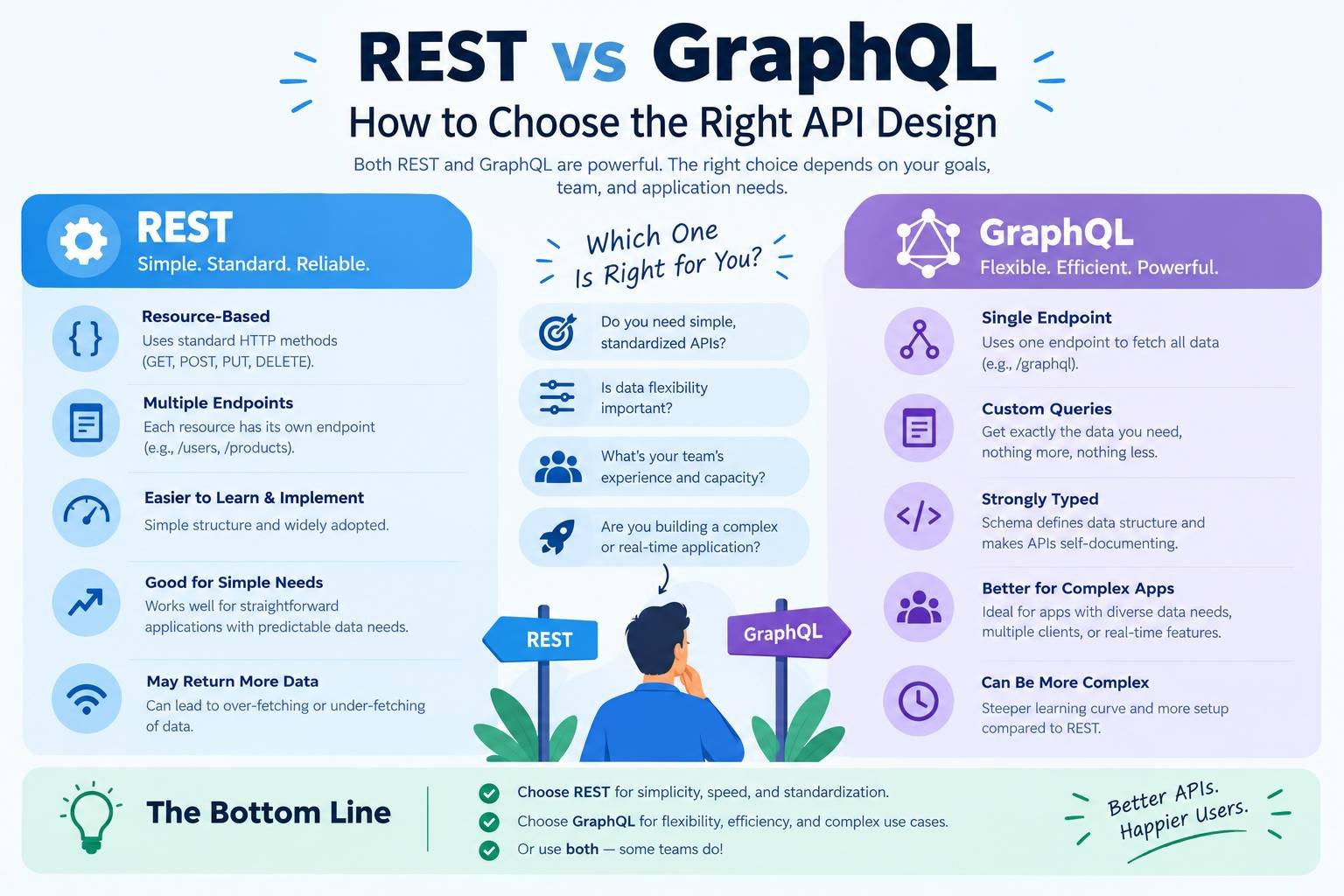
- REST organises an API around resources and standard HTTP methods. It is simple, cache-friendly and universally understood.
- GraphQL exposes one endpoint and lets clients request exactly the data they need in a single query.
- REST is usually the better default for public APIs, simple services and teams new to API design.
- GraphQL shines when many different clients need flexible access to complex, connected data.
- Many organisations use both, and the choice should follow your clients and data, not trends.
What Is REST?
REST (Representational State Transfer) is an architectural style described by Roy Fielding in his doctoral dissertation in 2000. A REST API exposes resources, such as customers, orders or products, at URLs, and clients use standard HTTP methods to work with them:
| Method | Typical Use | Example |
|---|---|---|
| GET | Read a resource | GET /orders/123 |
| POST | Create a resource | POST /orders |
| PUT or PATCH | Replace or update a resource | PATCH /orders/123 |
| DELETE | Remove a resource | DELETE /orders/123 |
REST relies on the semantics of HTTP itself, including status codes and caching headers, which are defined in RFC 9110. Most REST APIs today exchange JSON, and many are described using the OpenAPI Specification, whose version 3.2.0 was released in September 2025.
What Is GraphQL?
GraphQL is a query language and runtime for APIs, created at Facebook and open-sourced in 2015. It is now maintained by the GraphQL Foundation under the Linux Foundation. The latest edition of the GraphQL specification was released in September 2025.
Instead of many endpoints, a GraphQL API usually has one endpoint and a strongly typed schema that describes all available data. Clients send a query that describes exactly what they want:
query {
  order(id: "123") {
    status
    total
    customer {
      name
      email
    }
  }
}
The server returns JSON in the same shape. Mutations change data, and subscriptions can push real-time updates. The official Learn GraphQL guide is a good introduction.
REST vs GraphQL at a Glance
| Factor | REST | GraphQL |
|---|---|---|
| Structure | Many resource URLs | One endpoint with a typed schema |
| Data Fetching | Server decides the response shape | Client chooses exactly which fields it needs |
| Over-fetching and Under-fetching | Common, especially for complex screens | Largely avoided |
| Number of Requests | Often several for related data | Often one |
| HTTP Caching | Simple, built into HTTP and CDNs | Harder, usually needs client or persisted query caching |
| Versioning | Often versioned, for example /v2/ |
Usually evolves by adding and deprecating fields |
| Error Handling | HTTP status codes | Errors usually returned in the response body |
| File Uploads | Straightforward | Possible but less standardised |
| Learning Curve | Low | Moderate |
| Tooling | Universal | Strong, especially for front-end development |
Where REST Is Stronger
Simplicity and Familiarity
Almost every developer understands REST. You can test an endpoint with a browser or a simple command, and every language and platform supports it. That makes REST the safest choice for public and partner APIs, where you cannot control who the clients are.
Caching
Because each resource has its own URL and REST uses standard HTTP methods, responses can be cached by browsers, proxies and CDNs using normal HTTP headers. This is a significant advantage for read-heavy APIs. MDN’s guide to HTTP caching explains how it works, and our guide on what a CDN is shows how edge caching speeds up delivery.
Clear Operations and Monitoring
Each endpoint has a distinct URL and method, so logging, rate limiting, monitoring and access control by route are straightforward.
Simple Services
For an API with a handful of resources and predictable use, REST is quick to build and easy to maintain.
Where GraphQL Is Stronger
Flexible Data for Many Clients
When a web app, a mobile app and a partner integration all need different views of the same data, GraphQL lets each one ask for exactly what it needs. Mobile apps on slow connections benefit from smaller responses and fewer round trips.
Complex, Connected Data
If your data is highly relational, such as customers with orders, orders with products and products with reviews, GraphQL can fetch it all in one query instead of several REST calls.
Strong Typing and Developer Experience
The schema acts as a contract and documentation in one. Tools can generate typed client code, validate queries and offer autocomplete, which helps front-end teams move quickly.
Evolving Without Versions
You can add new fields without breaking existing clients and mark old fields as deprecated, which often avoids maintaining several API versions.
Aggregating Services
In a system with several back-end services, a GraphQL layer can combine them into one API for front-end clients. Our pillar guide to monolith vs microservices explains when splitting into services makes sense in the first place.
Common Challenges With GraphQL
- Caching: Needs more thought, often through client libraries, persisted queries or caching at the resolver level.
- Performance Traps: The “N+1” problem occurs when one query triggers many database calls. Batching tools such as DataLoader help.
- Expensive Queries: Clients can request deeply nested data, so servers need limits on query depth, complexity and rate.
- Monitoring: It is harder when every request goes to one URL. Use tools that understand GraphQL operations.
- Authorisation: Must be enforced at the field and object level, not just at the endpoint.
API Security: The Same Principles Apply
Whichever style you choose, the main API risks are similar. The OWASP API Security Top 10 lists them, with broken object level authorisation at the top. Key practices include:
- Authenticate every request: Typically with OAuth 2.0 or OpenID Connect tokens, or API keys for simple server-to-server use.
- Check authorisation for every object: Not just at login.
- Validate input: Limit request sizes and validate submitted data.
- Rate limit: Help prevent abuse.
- Avoid exposing sensitive fields: For GraphQL, consider disabling introspection in production for private APIs as part of a broader security strategy.
- Log and monitor: Track API activity for suspicious behaviour.
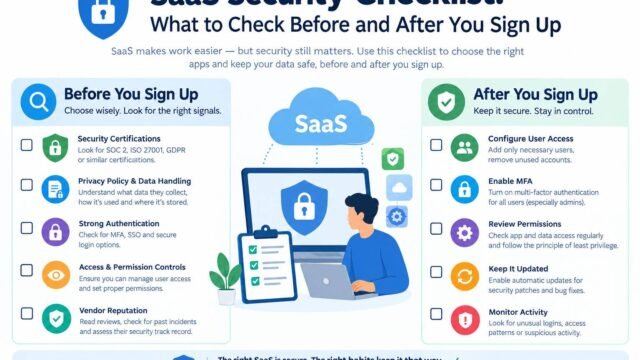
Our SaaS security checklist covers the access controls to check when connecting third-party tools to your APIs.
What About gRPC and Other Options?
gRPC uses Protocol Buffers and HTTP/2 for fast, strongly typed communication. It is popular for internal service-to-service calls where performance matters, but less suited to browsers without extra tooling. Event-driven APIs using message queues or webhooks suit asynchronous workflows. Many systems combine REST or GraphQL for clients with gRPC or events internally.
How to Choose
| Your Situation | Recommended Style |
|---|---|
| Public API for external developers | REST, documented with OpenAPI |
| Simple service with a few resources | REST |
| Read-heavy API that benefits from CDN caching | REST |
| Several front ends needing different data from the same back end | GraphQL |
| Mobile app where payload size and round trips matter | GraphQL |
| Complex, highly connected data | GraphQL |
| Internal high-performance service calls | gRPC or REST |
| Headless CMS or content API | Either; many platforms offer both |
Headless content platforms are a good example of both styles in use. Our comparison of WordPress vs headless CMS explains how front-end frameworks consume content APIs, and our guide to Next.js vs Astro vs Nuxt covers the frameworks that often sit on top.
Questions to Ask Your Team
- Who are the clients, and how much control do we have over them?
- How different are the data needs of each client?
- How important is HTTP and CDN caching?
- What skills does the team already have?
- How will we secure, monitor and rate limit the API?
Good API Design Matters More Than the Style
A badly designed GraphQL API is no better than a badly designed REST API. Whichever you choose:
- Design from the client’s needs, not the database structure.
- Use consistent naming and clear error messages.
- Document everything with examples.
- Plan for change with versioning or deprecation policies.
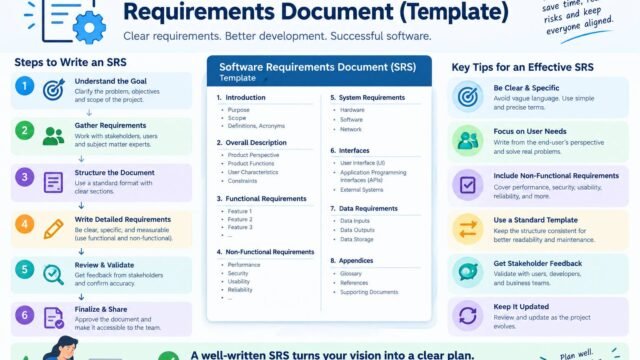
- Write the requirements down first. Our guide to writing a software requirements document explains how to capture API needs clearly.
APIs also underpin AI features. Our guide to AI agents explains why well-designed, secure APIs are essential when AI tools take actions in your systems.
Kaushal’s Note
In my experience, choosing between REST and GraphQL is less about following trends and more about understanding what your project actually needs. I would usually start with REST because it is simple, reliable and easier for small teams to build and maintain. However, when different apps need different data or the relationships between data become complex, GraphQL can be a better fit. My advice is to consider your users, your team’s skills, performance and long-term maintenance before deciding. The best API is not the one with the most features, but the one that solves the problem without adding unnecessary complexity.
Conclusion
REST and GraphQL are both excellent tools. Choose REST for simplicity, public APIs and cache-friendly services. Choose GraphQL when many clients need flexible access to complex, connected data. Whichever you pick, focus on good design, strong security and clear documentation, because those determine whether an API is a pleasure or a pain to use.