
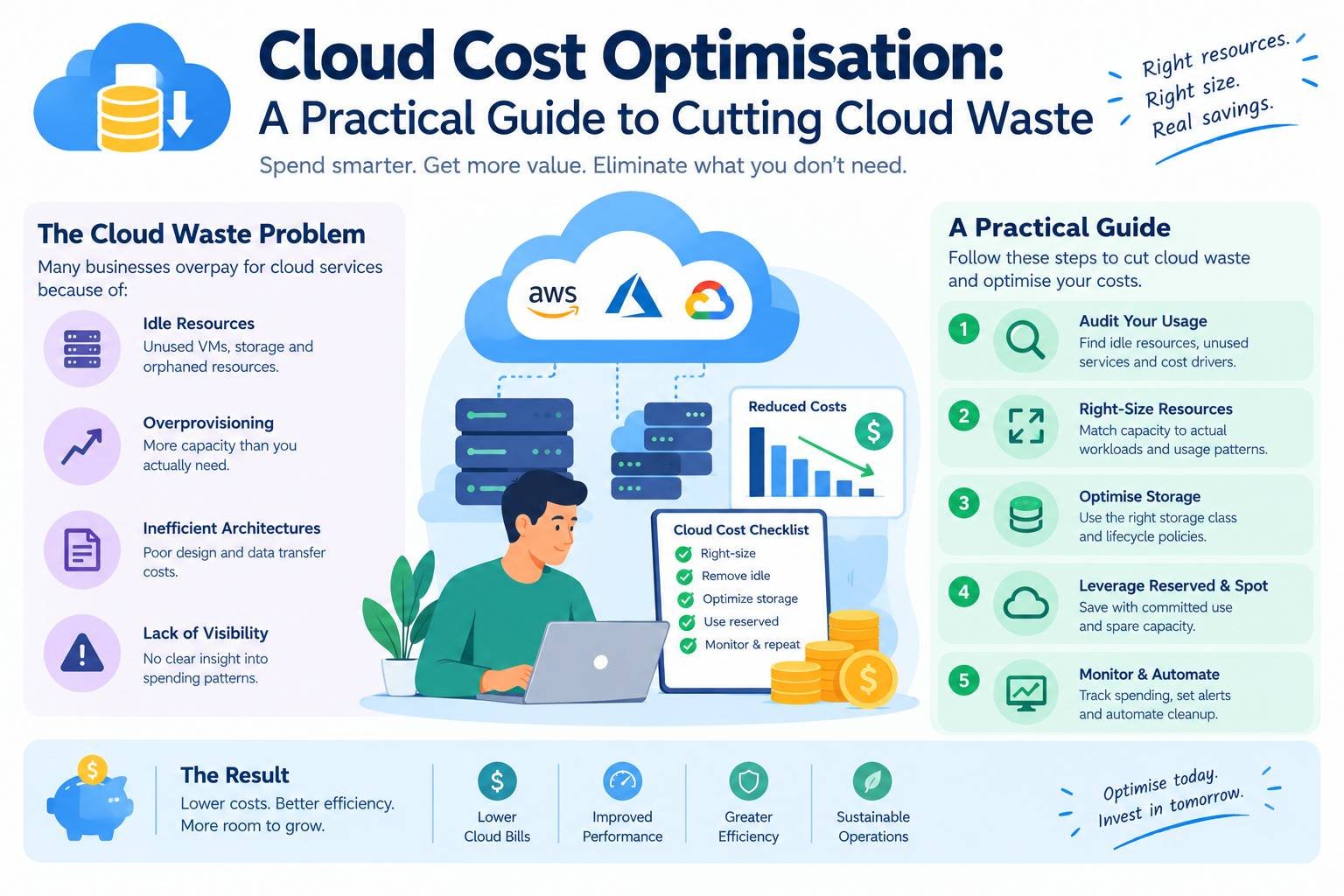
The cloud makes it easy to start small and grow fast. It also makes it easy to spend far more than you need. Servers are left running at weekends, test environments are forgotten, storage grows quietly and, increasingly, AI workloads add large and unpredictable bills.
The scale of the problem is significant. Flexera’s 2026 State of the Cloud Report, based on a survey of more than 750 cloud decision-makers and users, found that respondents estimated 29% of their cloud spend was wasted. That was the first increase in five years, which the report linked to the growth of AI workloads. Managing cloud spend was named a top challenge by 85% of respondents.
This guide explains practical cloud cost optimisation steps that work for small and medium-sized teams, without needing a dedicated finance department.
Key takeaways
- You can’t optimise what you can’t see. Start with visibility, tagging and budgets.
- The quickest savings usually come from removing idle resources and rightsizing over-provisioned ones.
- Commitment discounts and spot capacity can cut costs dramatically for the right workloads.
- AI workloads need their own cost controls.
- Treat cost as an ongoing engineering habit, often called FinOps, not a one-off clean-up.
Why Cloud Costs Get Out of Control
- Pay-as-you-go makes spending invisible. Nobody signs a purchase order for each new server.
- Over-provisioning “just in case”. Teams choose larger instances than needed to avoid performance problems.
- Forgotten resources. Old test environments, unattached storage volumes, unused IP addresses and outdated snapshots keep charging.
- Always-on non-production environments. Development and test systems often run 24 hours a day, 7 days a week, even though they are used for perhaps 50 hours a week.
- Data transfer costs. Moving data between regions, availability zones or out to the internet can be surprisingly expensive.
- Architecture choices. Complex distributed systems usually cost more to run. Our pillar guide to monolith vs microservices explains why.
Step 1: Get Visibility
Tag everything
Apply consistent tags (or labels) to every resource, such as:
- owner: the team or person responsible
- environment: production, staging or development
- project or product
- cost-centre
Tags let you see who is spending what. Make tagging mandatory, ideally enforced by policy or infrastructure as code.
Use your provider’s cost tools
All major providers include free cost management tools, such as AWS Cost Explorer, Azure Cost Management and Google Cloud Billing reports. Use them to break spending down by service, project and environment.
Set budgets and alerts
Create budgets for each account or project and set alerts at, for example, 50%, 80% and 100% of the expected amount. Alerts for unusual spikes (anomaly detection) catch mistakes early, such as a runaway job or a misconfigured service.
Consider a common cost format
If you use more than one cloud or SaaS provider, the FinOps Foundation’s FOCUS specification defines a common format for billing data, which makes costs easier to compare and combine.
Step 2: Remove Waste
This is where most quick wins are found.
- Delete idle resources: servers with near-zero CPU use, unattached storage volumes, unused load balancers and idle databases.
- Clean up old snapshots and backups beyond your retention policy.
- Release unused IP addresses and other reserved resources that charge when idle.
- Shut down non-production environments outside working hours, automatically. Running them for 50 hours a week instead of 168 cuts their compute cost by around 70%.
- Remove forgotten projects and proofs of concept.
Step 3: Rightsize
Rightsizing means matching resources to actual usage.
- Review CPU, memory and storage use over at least two to four weeks.
- Move consistently under-used instances to smaller sizes.
- Consider newer instance generations, which often deliver better performance per pound or dollar. Many providers also offer ARM-based processors, such as AWS Graviton, which can be cheaper for compatible workloads.
- Use your provider’s rightsizing recommendations as a starting point, then test.
Rightsize before buying commitment discounts, so you don’t commit to capacity you don’t need.
Step 4: Use Autoscaling and the Right Service Model
- Autoscaling adds capacity when demand rises and removes it when demand falls.
- Serverless services charge only when your code runs, which suits uneven or event-driven workloads. Our guide to serverless computing explains the trade-offs.
- Managed services, such as managed databases, can reduce operational effort, though they are not always cheaper. Compare total cost, including staff time.
- Static hosting and CDNs can serve websites far more cheaply than always-on servers. See our guide on what a CDN is.
Step 5: Use Pricing Models Wisely
| Pricing option | How it works | Best for |
|---|---|---|
| On-demand | Pay by the second or hour, no commitment | Unpredictable or short-term workloads |
| Commitment discounts | Commit to a level of usage for one or three years in exchange for a discount | Steady, predictable baseline usage |
| Spot or preemptible capacity | Use spare capacity at a large discount, but it can be reclaimed at short notice | Batch jobs, testing, fault-tolerant workloads |
The discounts can be substantial. AWS, for example, states that Savings Plans can save up to 72% compared with on-demand prices, and that Spot Instances can be up to 90% cheaper. Azure and Google Cloud offer similar options. Actual savings depend on the service, region and commitment.
A sensible approach is to cover your steady baseline with commitments, handle peaks with on-demand capacity and run suitable batch work on spot capacity.
Step 6: Optimise Storage and Data Transfer
- Use storage tiers. Move rarely accessed data to cheaper infrequent-access or archive tiers, ideally using automatic lifecycle rules.
- Delete what you don’t need, including old logs, according to your retention policy.
- Compress and deduplicate where possible.
- Reduce data transfer by keeping services that talk to each other in the same region, caching content close to users and avoiding unnecessary cross-region replication.
Step 7: Control AI Costs
AI workloads can grow costs quickly, whether you use AI APIs priced by tokens or run models on GPUs.
- Choose the smallest model that does the job well enough.
- Cache repeated responses and reuse results.
- Limit output length and trim unnecessary context from prompts.
- Use batch processing for non-urgent tasks, which some providers offer at a discount.
- Shut down idle GPU instances and use autoscaling for inference.
- Track cost per feature or per user, not just the total.
Our guide to the cost of running AI in production covers this in depth, and our existing guide to cloud servers for AI fraud detection software shows how infrastructure choices affect cost for a real use case.
Step 8: Build a FinOps Habit
FinOps is the practice of bringing engineering, finance and business teams together to manage cloud spending. The FinOps Foundation describes three repeating phases:
- Inform: make costs visible and allocate them to teams and products.
- Optimise: find and act on savings opportunities.
- Operate: build cost awareness into everyday decisions and processes.
For a small team, a practical version looks like this:
- Name an owner for cloud costs, even if it is part-time.
- Review costs monthly with the team, looking at the biggest services and largest changes.
- Show engineers the cost of what they build, for example in dashboards or pull request comments.
- Measure unit costs, such as cost per customer, per order or per thousand API calls. These show whether you are becoming more efficient as you grow.
- Include cost in architecture decisions from the start.
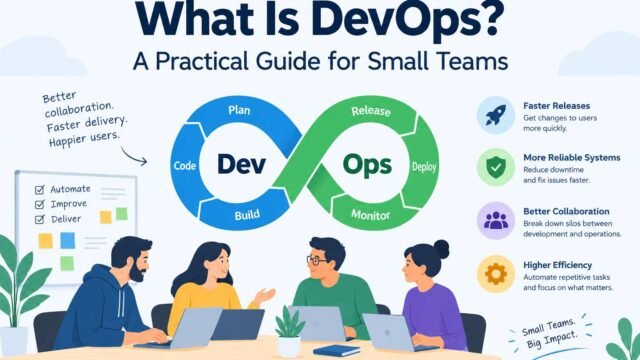
Good DevOps practices help here, because automated, reproducible environments are easier to scale down and remove. Our guide to DevOps for small teams covers the foundations.
Don’t Sacrifice What Matters
Cost optimisation should never put reliability, security or compliance at risk. Keep backups, monitoring and security controls, and be careful about moving data to regions that don’t meet your data protection requirements. Our guide to choosing web hosting covers data location considerations, and our guide to cloud server architecture for AI insurance platforms shows how regulated businesses balance cost with resilience.
A Quick Monthly Checklist
- Review total spend against budget and last month.
- Check the top five services by cost.
- Look for idle or under-used resources.
- Confirm non-production environments shut down out of hours.
- Review commitment discount coverage and usage.
- Check storage growth and lifecycle rules.
- Review AI and data transfer costs.
- Check every resource has an owner tag.
Kaushal’s note
In my opinion, cloud cost optimisation is not just about cutting bills; it’s about making sure every dollar spent on cloud infrastructure delivers real value. I’ve seen how easy it is for small things, like unused servers, oversized resources, or forgotten test environments, to add up over time. My advice is to review cloud spending regularly, understand what your applications actually need, and avoid paying for resources that aren’t being used. You don’t have to make big changes overnight. Start with the obvious waste, set clear budgets, and build cost awareness into everyday development decisions. The goal is to reduce unnecessary spending without compromising performance, security, or reliability.
Conclusion
Cloud cost optimisation isn’t about spending as little as possible. It is about spending deliberately. Make costs visible, remove waste, rightsize, choose the right pricing models, control AI spending and build regular reviews into how your team works. With those habits in place, the cloud remains what it should be: a flexible platform that grows with your business, not a bill that grows faster than it.