
Low-code platforms promise something very attractive: build business applications in days or weeks, with drag-and-drop tools and little or no traditional coding. For many internal tools and workflows, they deliver exactly that. But they are not the right answer for everything, and the wrong choice can lead to rising licence costs, performance limits or a system that is hard to move away from.
This guide compares low-code and custom development in plain language, so you can choose the right approach for your next project.
Key takeaways
- Low-code is fastest for internal tools, forms, approvals and simple workflows.
- Custom development gives full control, flexibility and ownership for complex or customer-facing software.
- Low-code costs often grow with users and usage, while custom software costs more to build and maintain.
- Governance and security matter for both, especially when non-developers build apps.
What Is Low-Code?
Low-code platforms let people build applications using visual designers, pre-built components and configuration, with the option to add small amounts of code for custom logic. No-code platforms go further and aim to remove coding entirely, usually for simpler use cases.
Common uses include:
- Internal request and approval workflows.
- Data collection forms and simple databases.
- Dashboards and reporting tools.
- Automations that connect business apps.
- Simple customer or partner portals.
Many low-code platforms are part of larger business software suites, which makes them convenient if you already use that vendor’s tools.
What Is Custom Development?
Custom development means designing and writing software specifically for your needs, using programming languages and frameworks chosen by your team or supplier. You control every aspect, from the user experience and data model to hosting and security.
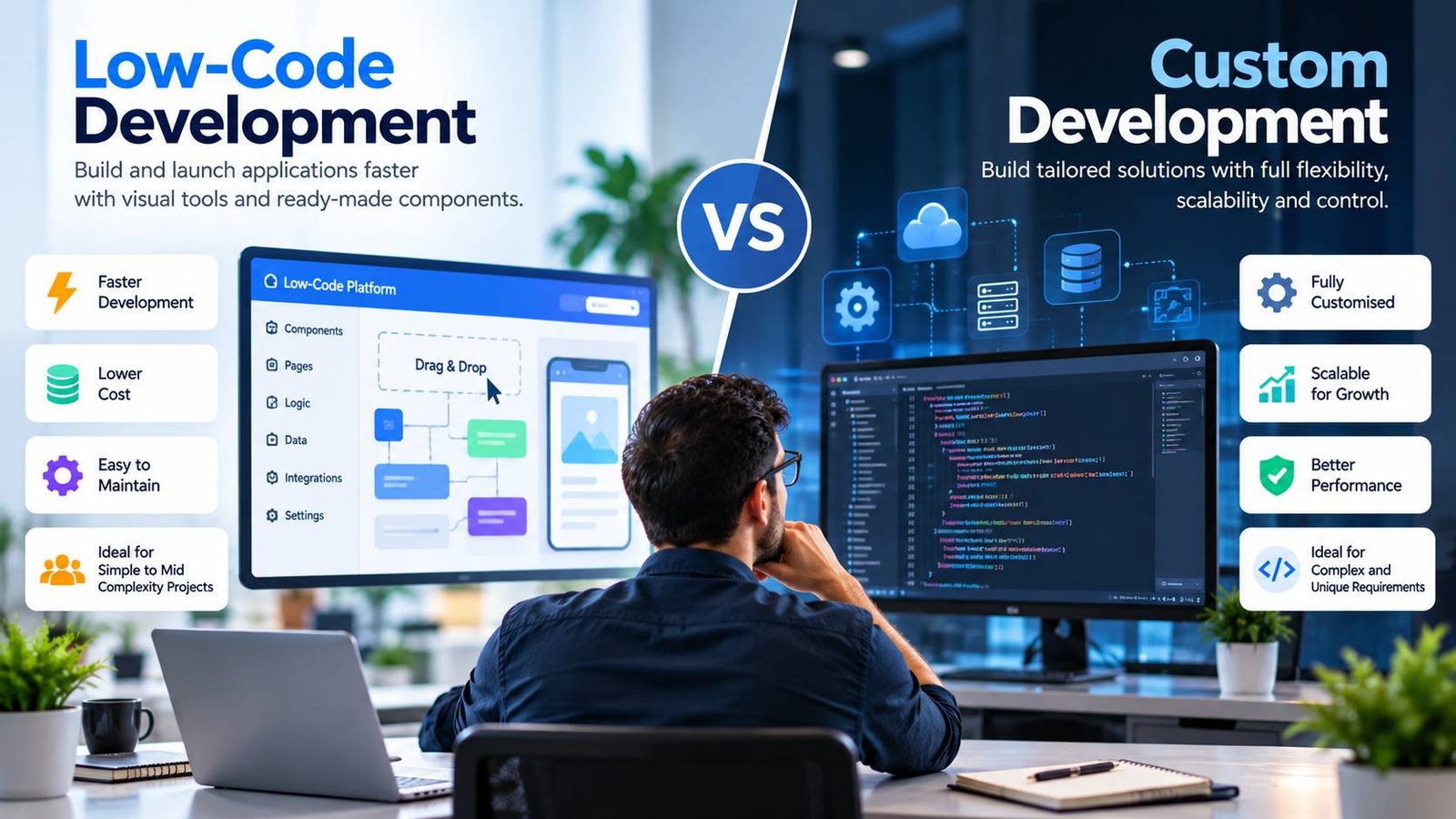
Low-Code vs Custom Development at a Glance
| Factor | Low-code | Custom development |
|---|---|---|
| Speed to first version | Very fast | Slower |
| Upfront cost | Low | Higher |
| Ongoing cost | Licences that grow with users or usage | Hosting, maintenance and developer time |
| Flexibility | Limited to what the platform supports | Unlimited, within budget |
| User experience | Good for standard interfaces | Fully tailored |
| Performance and scale | Fine for most internal use, limits at high scale | Designed for your needs |
| Integration | Easy with supported connectors, harder otherwise | Any integration you can build |
| Ownership | Tied to the platform | You own the code |
| Skills needed | Business users and citizen developers, with IT support | Professional developers |
| Vendor lock-in | High | Low (though framework choices still matter) |
When Low-Code Makes Sense
- Internal tools and workflows with a limited number of users.
- Standard processes, such as approvals, requests and data collection, where the platform’s components fit well.
- Speed matters more than perfection, for example to replace spreadsheets quickly.
- Testing an idea before committing to a larger build.
- You already use the vendor’s ecosystem, so integrations and sign-in work smoothly.
Low-code can also free up professional developers to focus on more valuable work, while business teams solve their own smaller problems.
When Custom Development Makes Sense
- Customer-facing products, where the experience, performance and brand are critical.
- Complex business logic that is hard to express in a visual tool.
- High scale or performance needs.
- Unusual integrations or data requirements.
- Software that is a competitive advantage, where you need full control of the roadmap.
- Long-term cost, where licence fees for many users would exceed the cost of building and running your own system.
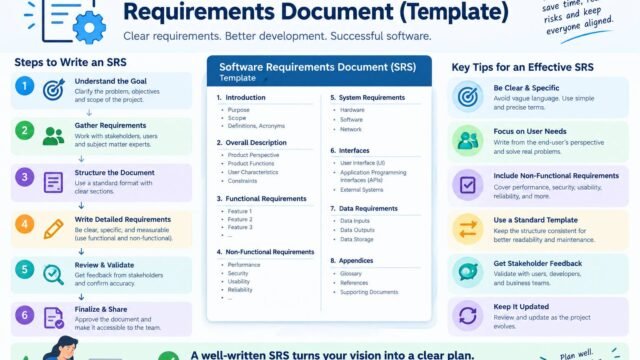
If you choose custom development, our pillar guide to monolith vs microservices explains how to choose a sensible architecture, and our guide to writing a software requirements document helps you plan the build.
The Hidden Costs and Risks of Low-Code
Licence growth
Low-code pricing is often per user, per app or per usage. A tool that is cheap for ten users may become expensive for five hundred. Model costs for the next three to five years, as you would in any build vs buy software decision.
Platform limits
Every platform has limits on data volume, performance, customisation and integrations. When you hit one, the workarounds can be costly.
Vendor lock-in
Applications built on a low-code platform usually can’t be moved to another platform easily. Check what you can export, such as data and documentation, and what happens if prices change or the product is discontinued.
Governance and “shadow IT”
When many people can build apps, organisations can end up with hundreds of unmanaged applications, unclear owners and inconsistent data. Set up simple governance: approved platforms, naming rules, ownership and regular reviews.
Security
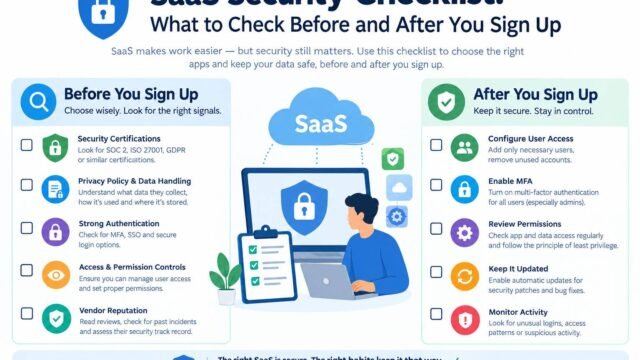
Low-code apps can expose data through misconfigured sharing, over-broad permissions or insecure connections. The OWASP project on low-code and no-code security risks lists common problems, such as account impersonation, data leakage and misconfiguration. Our SaaS security checklist covers the access and integration controls that apply.
The Hybrid Approach
You don’t have to choose one for everything. Many organisations:
- Use low-code for internal tools and simple workflows.
- Use custom development for core products and customer-facing systems.
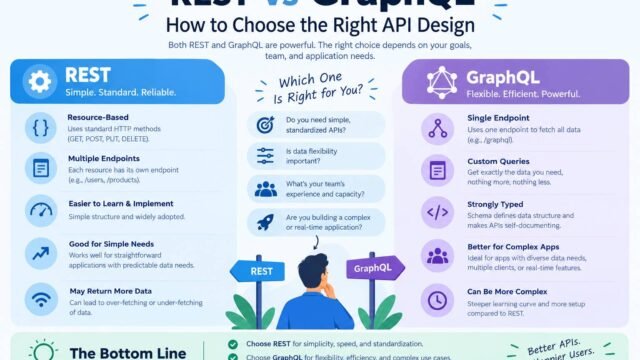
- Connect them through APIs, so low-code tools can safely use data from custom systems. Our guide to REST vs GraphQL explains API design options.
- Start in low-code, then rebuild when an app outgrows the platform and its requirements are proven.
What About AI-Assisted Development?
AI coding assistants and AI app builders are blurring the line between low-code and custom development. They can generate working code quickly, but the result still needs review, testing, security checks and maintenance like any other custom software. Treat AI-generated code as a draft from a fast junior developer, not a finished product. Our guide to AI agents explains how AI tools are changing business workflows more broadly.
Questions to Ask Before You Decide
- Who will use the application, and how many users will there be in three years?
- Is it internal or customer-facing?
- How complex are the business rules and integrations?
- What will the total cost be over three to five years for each option?
- Who will own, support and update it?
- What happens if we need to leave the platform?
- What data will it hold, and how will it be secured?
A Simple Rule of Thumb
If an application is internal, has a modest number of users, follows a standard process and doesn’t hold highly sensitive data, low-code is usually worth trying first. If it is customer-facing, central to how you compete, complex or expected to grow quickly, plan for custom development from the start. When you are unsure, build a small low-code prototype to learn the real requirements, then decide.
Kaushal’s note
In my opinion, choosing between low-code and custom development comes down to understanding what your business really needs, rather than simply choosing the faster or cheaper option. Low-code can be a great way to build internal tools, automate everyday tasks, and test an idea without spending too much upfront. However, if you’re building a core product that needs a unique user experience, complex features, or room to grow, custom development may be the better long-term investment. My advice is to think beyond the initial cost and consider maintenance, flexibility, ownership, and future growth. Sometimes, a combination of both approaches makes the most sense. The right solution is the one that solves your problem today without creating unnecessary limitations tomorrow.
Conclusion
Low-code and custom development solve different problems. Use low-code to move quickly on internal tools and standard workflows, with sensible governance. Choose custom development for complex, customer-facing or strategic software where control and flexibility matter most. Many businesses get the best results by using both, connected through well-designed APIs.