
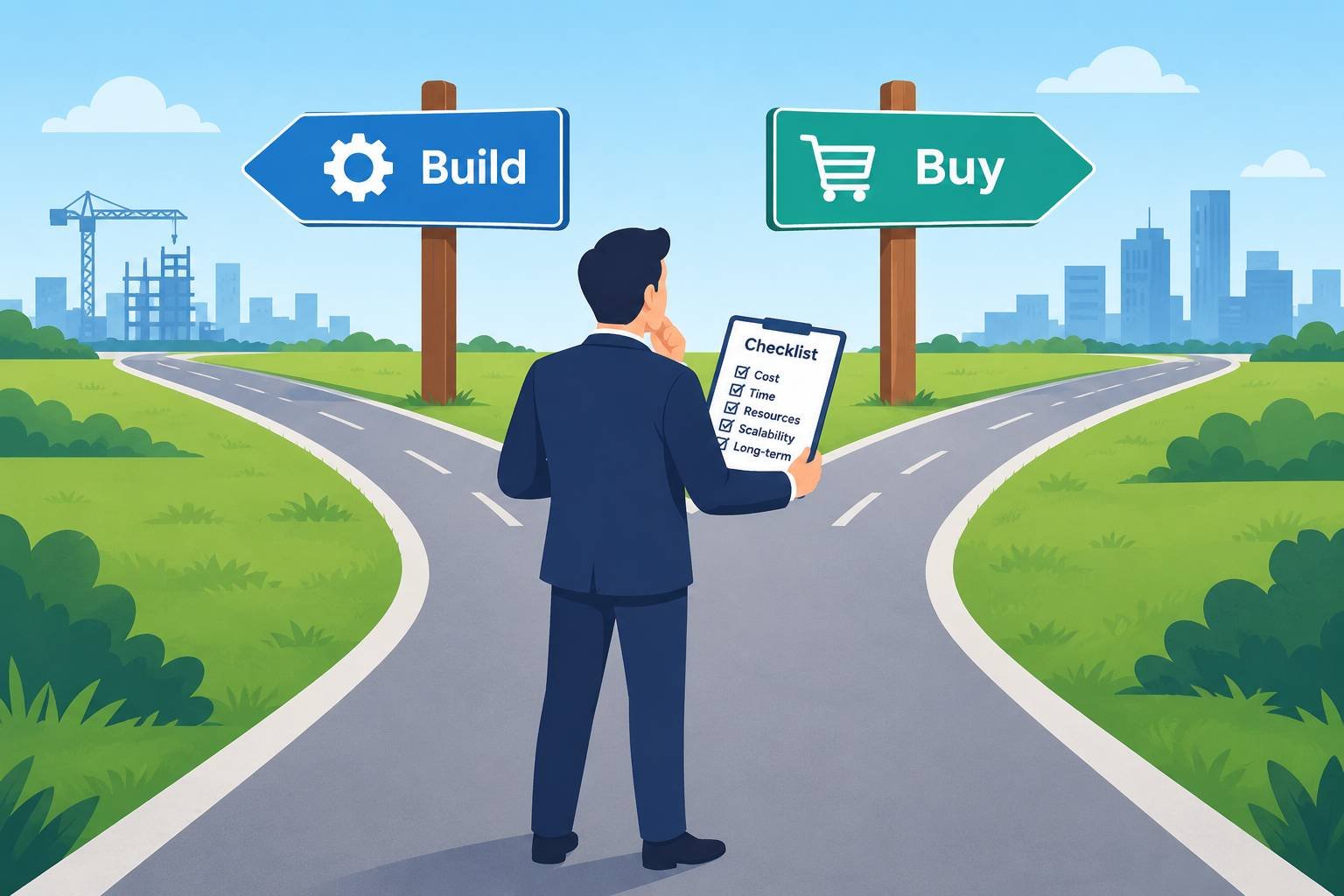
Every growing business eventually faces the same question: should we build the software we need, or buy an existing product? A CRM, a booking system, an internal dashboard, a customer portal, an AI assistant. Each one can be developed in-house, bought as a SaaS subscription or assembled from both.
Get it right and you save money, move faster and focus your team on what makes you different. Get it wrong and you either pay for years of custom maintenance you didn’t need, or end up forcing your business into a product that never quite fits.
This guide gives you a practical framework for the build vs buy software decision, including the costs people usually forget.
Key takeaways
- Buy for commodity needs that many businesses share. Build where the software is a genuine source of competitive advantage.
- Compare total cost of ownership over three to five years, not just the upfront price.
- Custom software is never “finished”. Budget for maintenance, security and support from day one.
- Hybrid approaches, such as buying a platform and building on top of it, are often the best answer.
The Core Principle: Differentiate or Standardise
Start with a simple question: does this software make us different from our competitors?
- Commodity capabilities are things every business needs and does in roughly the same way: email, accounting, payroll, HR, standard CRM, file storage and video calls. Buying is almost always the right answer.
- Differentiating capabilities are what customers choose you for: a unique pricing engine, a specialised workflow, a proprietary data model or a customer experience competitors can’t easily copy. Building can make sense here.
The UK government’s Technology Code of Practice follows a similar logic. It asks teams to consider reusing existing solutions, open source and cloud services before building something new. Its technology blog post on whether to build or buy is a useful read for any organisation.
The Options in More Detail
| Option | What it means | Best for |
|---|---|---|
| Buy (SaaS or packaged software) | Subscribe to or license an existing product | Common needs, fast rollout, limited internal development skills |
| Buy and configure | Use the product’s settings, workflows and integrations | Needs that are mostly standard with some variation |
| Buy and extend | Build custom features on top of a platform using its APIs | A strong core product with specific gaps |
| Low-code or no-code | Assemble an application on a visual development platform | Internal tools and simple workflows |
| Build (custom development) | Design and develop your own software | Differentiating, complex or highly specific needs |
| Open source | Adopt and possibly adapt an existing open-source project | Teams with skills to host, secure and maintain it |
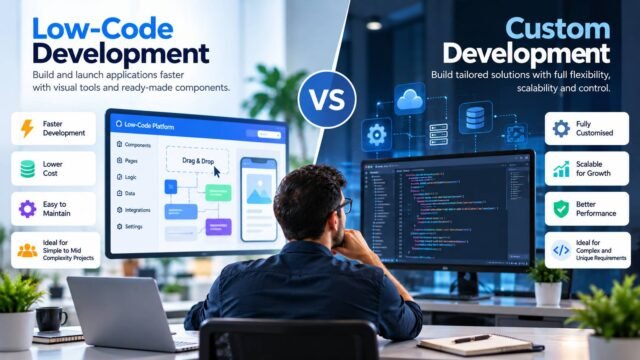
Low-code sits between buying and building, and it has its own trade-offs. Our guide to low-code vs custom development covers it in detail.
The Real Costs of Building
The upfront development cost is usually the smallest part of the bill over the life of custom software. Include:
- Discovery and design: workshops, requirements, prototypes and user research.
- Development: developers, testers, designers and project management.
- Infrastructure: hosting, databases, backups, monitoring and environments for testing.
- Security: secure coding, testing, vulnerability management and regular reviews.
- Maintenance: bug fixes, dependency and framework upgrades, browser and operating system changes.
- Enhancements: new features as the business changes.
- Support: someone has to answer questions and fix problems, including out of hours if the system is critical.
- Knowledge risk: if key developers leave, the knowledge can leave with them.
A common rule of thumb in the industry is that maintenance and enhancement over a system’s life cost more than the first version. The exact ratio varies, but the principle holds: custom software is a long-term commitment, not a one-off purchase.
The Real Costs of Buying
Buying has hidden costs too:
- Subscription fees that rise with users, usage or tiers, and annual price increases.
- Implementation and configuration, often by a consultant.
- Integrations with your other systems.
- Data migration from your current tools.
- Training and change management.
- Workarounds where the product doesn’t fit your process.
- Switching costs if you later need to leave, including data export and retraining.
Vendor risk matters too: products can be discontinued, acquired, repriced or changed in ways you don’t control.
Total Cost of Ownership: A Simple Comparison
Compare both options over the same period, usually three to five years. Here is a simple template:
| Cost item | Build (5 years) | Buy (5 years) |
|---|---|---|
| Initial development or implementation | ||
| Licences or subscriptions | ||
| Hosting and infrastructure | ||
| Integrations | ||
| Maintenance and upgrades | ||
| Security and compliance | ||
| Support and administration | ||
| Training | ||
| Exit or switching costs | ||
| Total |
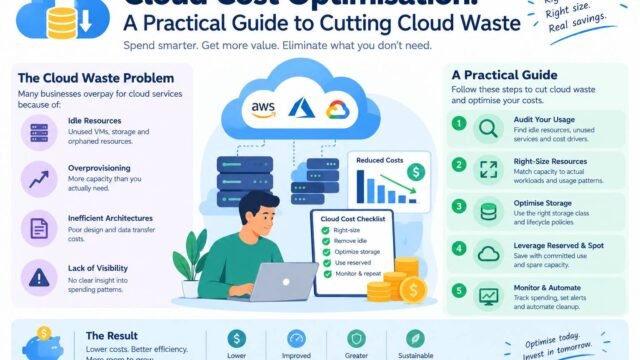
Fill it in with realistic estimates. Teams often find that buying is cheaper for standard needs, while building only wins when the software creates significant value that a product can’t deliver. If cloud costs form part of the build option, our guide to cloud cost optimisation explains how to estimate and control them.
A Scoring Framework
Score each factor from 1 to 5 for both options, then weigh the factors that matter most to you.
| Factor | Questions to ask |
|---|---|
| Strategic value | Is this a core differentiator, or a commodity? |
| Fit | How well does an existing product match our process without major workarounds? |
| Time to value | How quickly do we need it working? |
| Total cost | What is the three to five year cost of each option? |
| Control | Do we need full control of features, roadmap and data? |
| Skills | Do we have, or can we hire, the people to build and maintain it? |
| Integration | How easily will it connect to our existing systems? |
| Security and compliance | Can each option meet our data protection and regulatory needs? |
| Scalability | Will it cope as we grow? |
| Risk | What happens if the vendor fails, or our key developer leaves? |
The scores won’t make the decision for you, but they make trade-offs visible and help everyone agree on what matters.
When Buying Makes Sense
- The need is common across many businesses.
- A mature product meets most of your requirements (as a rule of thumb, at least 80%) without heavy customisation.
- You need a solution quickly.
- You don’t have an in-house development team, or it is focused on higher-value work.
- The vendor provides security certifications and data protection terms you can rely on.
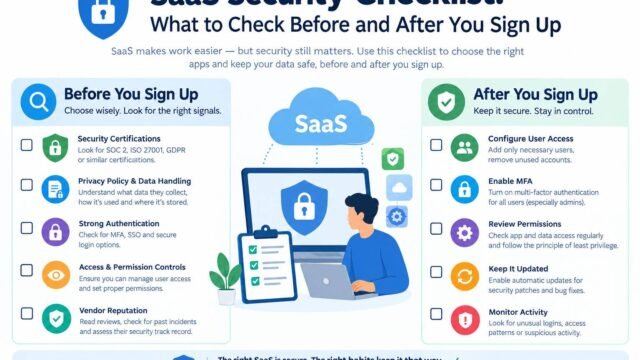
Before signing, check the vendor carefully. Our SaaS security checklist explains what to ask about data location, access control, certifications and exit terms.
When Building Makes Sense
- The software is central to your competitive advantage.
- Your processes are genuinely unusual, and changing them to fit a product would harm the business.
- Existing products would need so much customisation that you would be building anyway.
- You need full control over data, features or user experience.
- You have the skills and the long-term budget to maintain it.
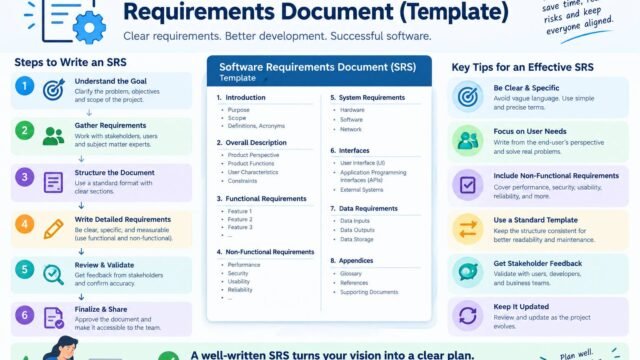
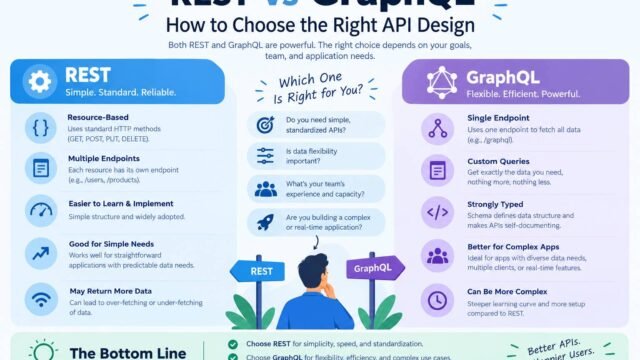
If you build, start with a clear specification. Our guide to writing a software requirements document explains how. Architecture matters too, and our pillar guide on monolith vs microservices explains why most new products should start simple.
Hybrid Approaches Often Win
The best answer is often a mix:
- Buy the platform, build the differentiator. For example, use an established e-commerce platform and build a custom product configurator on top.
- Buy the components. Use managed services for payments, authentication, email and search, and build only the logic that is unique to you.
- Buy now, build later. Start with a product to learn what you need, then build once requirements are clear and the business case is proven.
The same applies to content management. Our comparison of WordPress vs headless CMS shows how teams combine an off-the-shelf CMS with custom front ends.
Build vs Buy for AI Features
AI raises the same question in a new form. You can buy AI features inside existing tools, use AI models through an API, or build and host your own. Most businesses start by buying or using APIs, then build only where they have unique data or requirements. Our guides to open-source vs proprietary LLMs and running an AI pilot project explain how to test the options before committing.
Avoiding Common Mistakes
- Underestimating maintenance for custom software.
- Choosing a product on features alone, without checking integration, support and exit terms.
- Customising a product so heavily that upgrades become painful.
- Building because “we can”, rather than because it creates value.
- Ignoring the people involved. Users who are not consulted often reject both bought and built systems.
A Simple Decision Process
- Define the problem and the outcomes you need.
- List requirements and mark the “must haves”.
- Research existing products and shortlist two or three.
- Estimate total cost of ownership for each option, including build.
- Score the options using the framework above.
- Run a short trial or proof of concept with real users.
- Decide, document why and set a date to review the decision.
Kaushal’s note
In my opinion, businesses should buy software for routine tasks and invest in custom development only when it gives them a genuine advantage. Building everything from scratch may offer more control, but the ongoing costs of maintenance, security and upgrades are easy to underestimate. I would start by evaluating existing tools, testing how well they fit the business and comparing their long-term costs. Often, the smartest approach is to buy a reliable platform and build custom features only where they add real value.
Conclusion
The build vs buy software decision is less about technology and more about strategy. Buy what is common, build what makes you different, and compare options over their full life rather than their launch cost. Use a simple scoring framework, test before committing and revisit the decision as your business grows. That discipline helps you invest your time and budget where they create the most value.